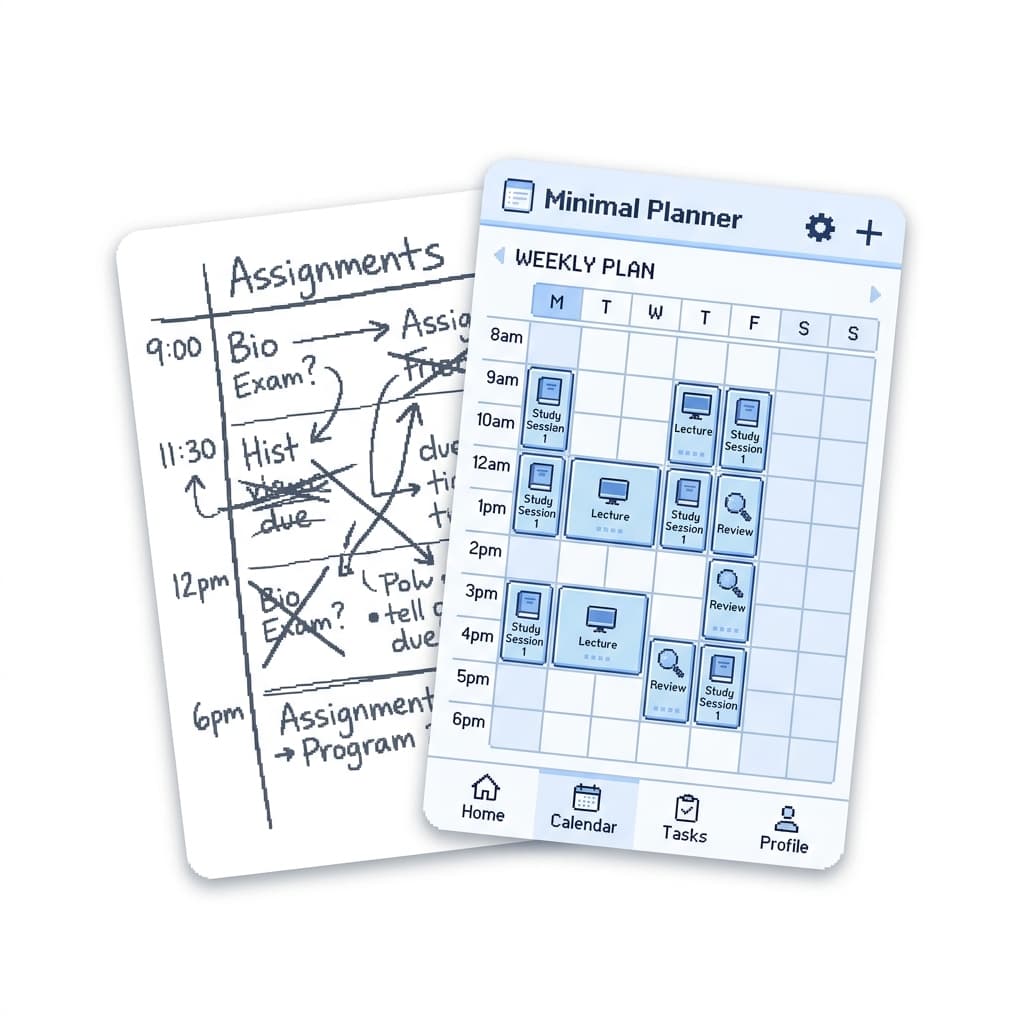
Does it all
actually fit?
Add your coursework and the hours you are free.
StudyFlow weighs one against the other and tells you
how many hours short you are — while you can still act on it.
Your weekly plan,
Monday — Data Structures (2h)
Tuesday — Linear Algebra (1.5h)
Wednesday — Essay Draft (2h)
Thursday — Algorithms rev...
Friday — Physics lab pre...
Most students find out too late
Your real hours, not an ideal week.
Set the weekly windows you are genuinely free to study, then block out the trips, shifts and exam days that take them back. That, minus the interruptions, is your capacity.
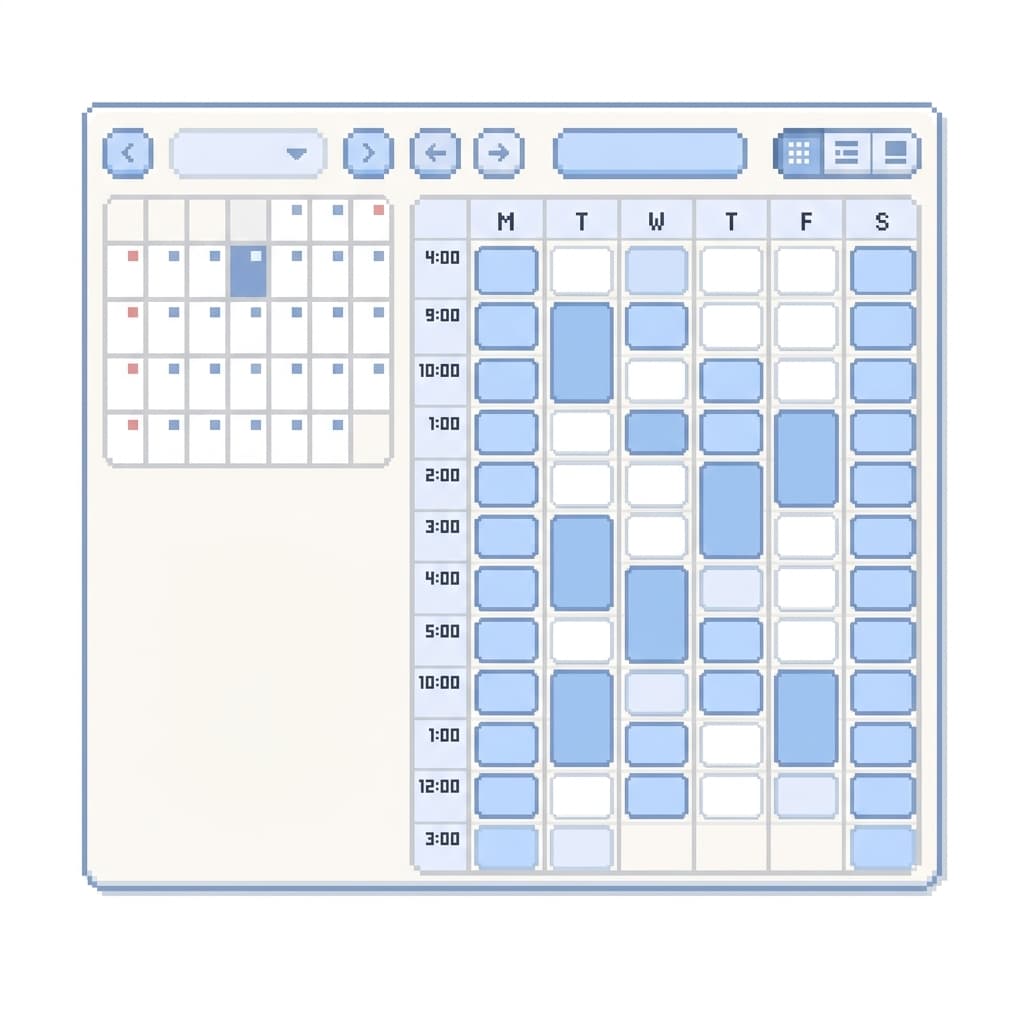
Every deadline, weighed in hours.
Each task carries an estimate, a priority and a due date. Add them up across the next week and you have the other half of the sum — the hours you owe.

How Studyflow works
Set your hours
Add the weekly windows you can study, and block out the days you cannot.
Add your coursework
Every task gets a deadline and an estimate of how long it will take you.
Read the balance
One figure: the hours you are short, or the hours you have spare. Change something while it still helps.